For founders
Publish without hiring for it
The suggestion decides what to write, the outline gets you past the blank page, and the SEO fields are already in front of you. A post goes out because it was easy that week, not because somebody owned it.
HomeBlog
Get startedRich-text editing, categories, scheduled publishing, and an RSS feed. Per-post slug, excerpt, meta description, canonical URL and social image, with schema.org Article markup emitted at the edge.
Book a demo →Starts with a topic
Suggestions for what you have not covered, one click from a draft.
SEO in the same panel
Slug, excerpt, meta description and social thumbnail, per post.
Your categories
Named, described and coloured by you, not a taxonomy you inherit.
Suggest
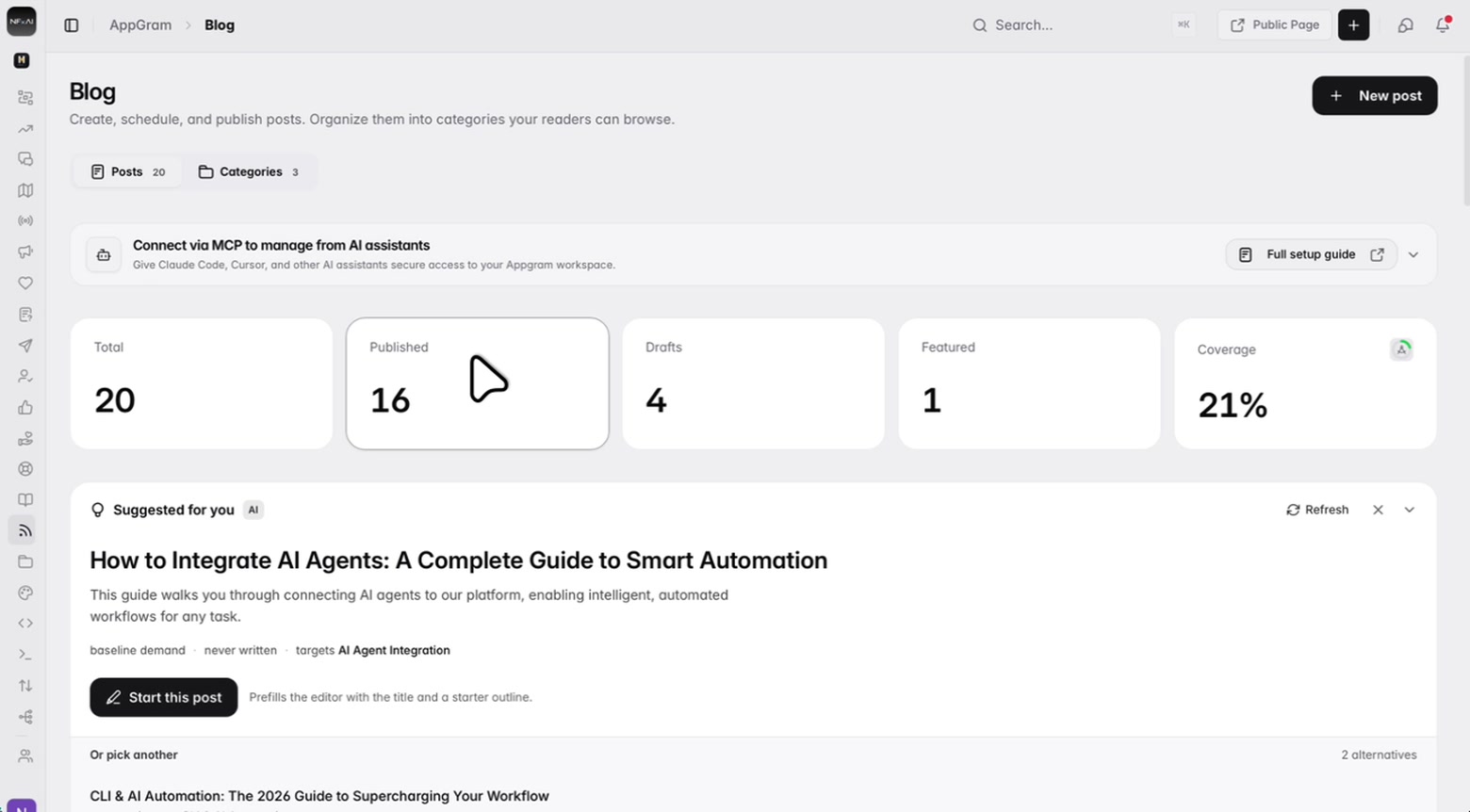
The hard part of keeping a blog is not the writing, it is deciding what the next post is. The panel reads what you have already published, works out what you have no post for, and hands you a title — taking it opens the editor with that title and a starter outline already in the body.
Write
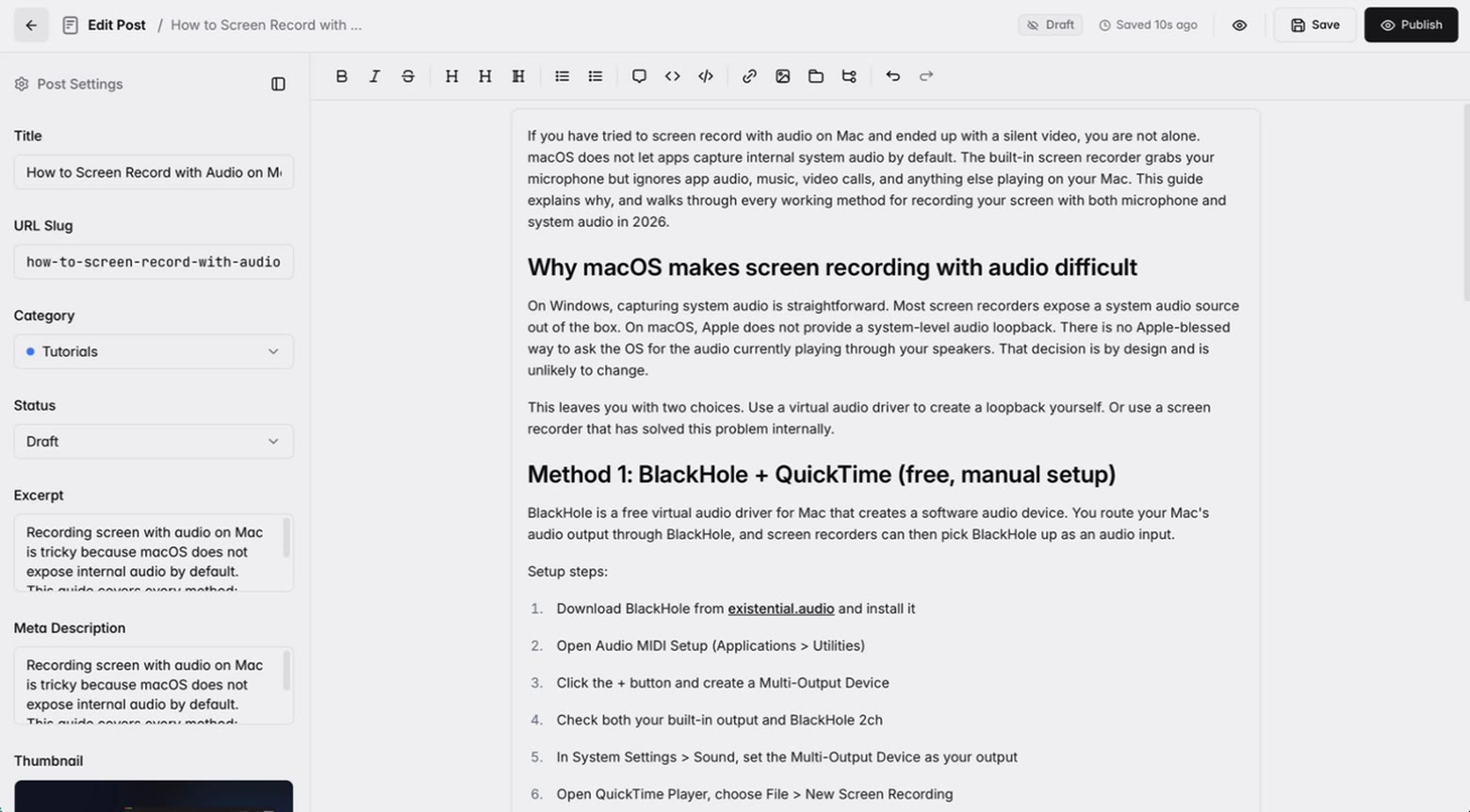
Headings, lists, quotes, code and images from your asset library, in a canvas that saves while you type. The fields that decide how the post reads everywhere else — its address, its summary, the image it shows when someone shares it — sit in the panel next to the writing rather than behind an SEO tab you forget to open.
Organise
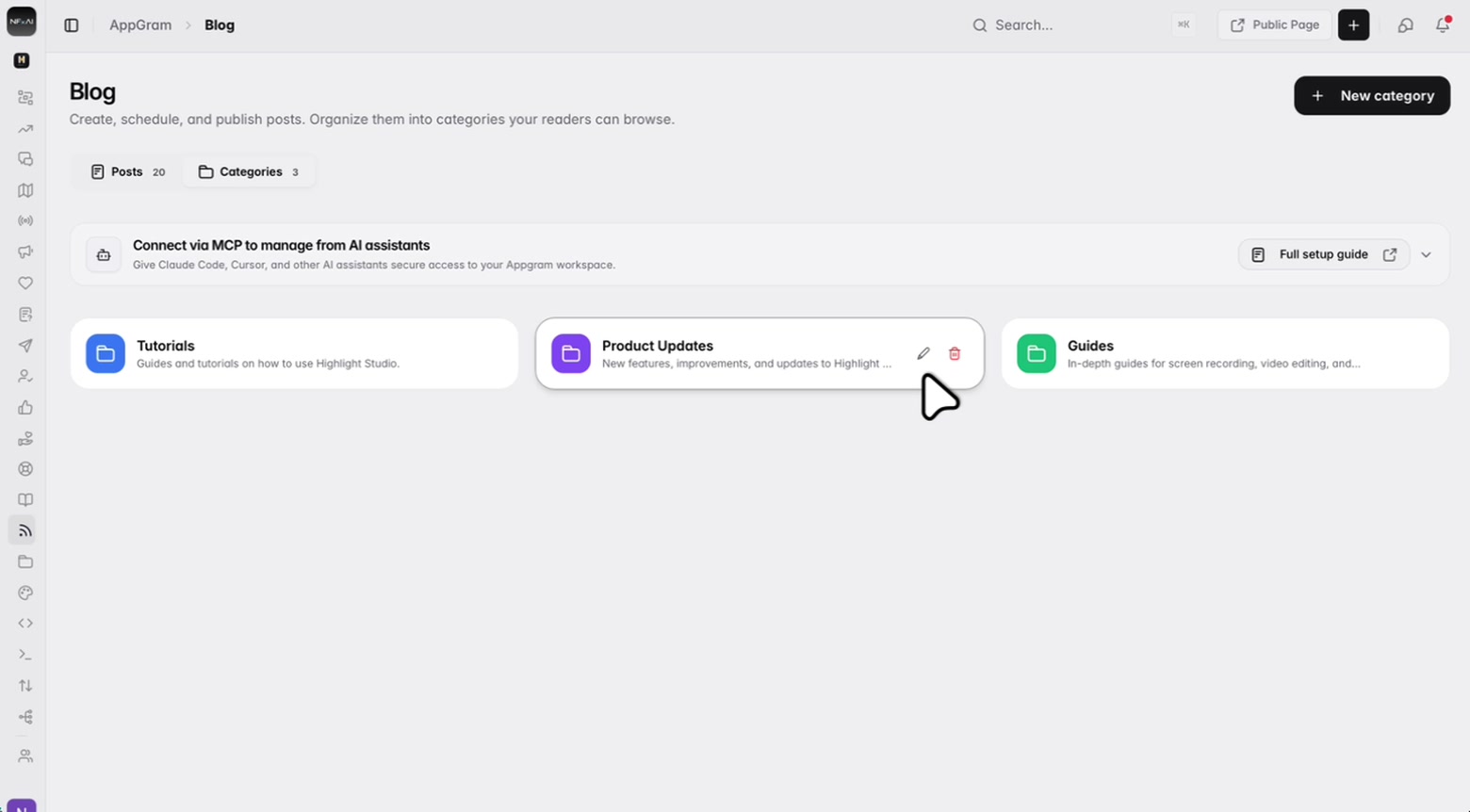
Three categories or thirty, each with its own address, its own description and its own colour, so a reader browsing the blog sees sections that match how you actually think about the product rather than whatever the tool shipped with.
Track
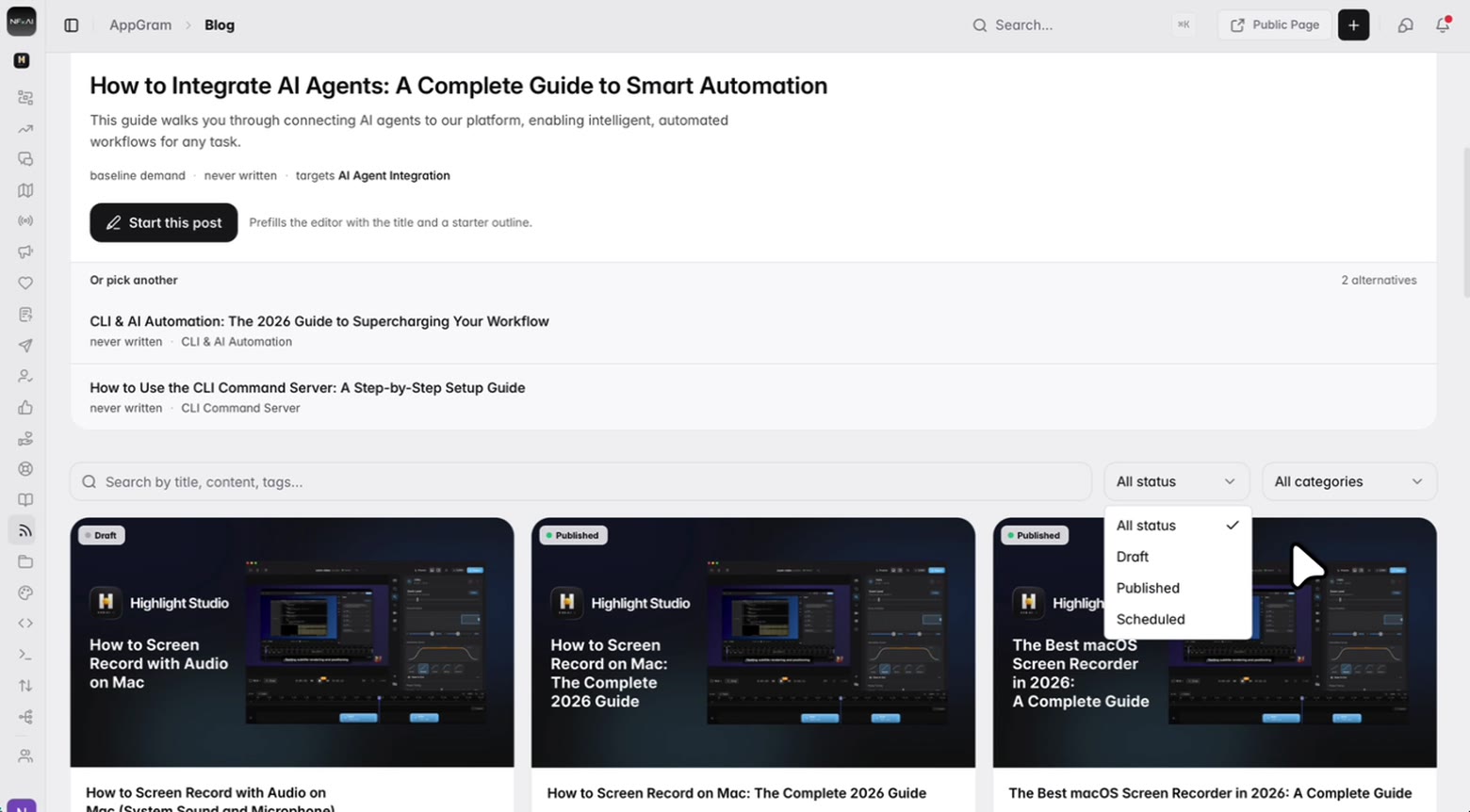
The library is the whole blog at a glance — what is live, what is still a draft, what is queued — with title search, status and category filters, and the view count on the card so you can tell which posts earned their place.
Who uses it
For founders
The suggestion decides what to write, the outline gets you past the blank page, and the SEO fields are already in front of you. A post goes out because it was easy that week, not because somebody owned it.
For marketing
Your domain, your categories, your assets — in the same workspace as the changelog, the roadmap and the help center, so a post can point straight at the release it is about.
For developers
Connect over MCP from Claude Code or Cursor and the blog is one more surface the assistant can read and write, scoped by whatever the API key is allowed to reach.
Connected
Every module writes to the same customer graph, so data captured here shows up wherever it is useful — no connectors to authorize, no sync to babysit.
See all integrations →FAQ
On your own domain, as part of the same portal as your changelog, roadmap and help center — not on a subdomain belonging to us. A Public Page link in the header opens what readers see.
What you have published and what you have not. Each suggestion names the subject it targets and whether you have ever written about it, with a couple of alternatives beside it. Taking one prefills the editor with the title and a starter outline — it drafts, it never publishes.
Yes. The meta description and the thumbnail are fields on the post, and the thumbnail is specifically the image used for social sharing previews. Both sit beside the slug in the settings panel rather than behind a separate SEO screen you have to remember to fill in.
No. The editor inserts from the shared Assets library, and the thumbnail picker searches that same library by title, description or tag. Upload an image once and use it across as many posts as you like.
Draft, published and scheduled, each filterable from the library. A post saves itself while you write and shows when it last did, so closing the tab is not a decision you have to make.
Yes, over MCP. Connect Claude Code, Cursor or any MCP client with an API key and the blog becomes one of the surfaces it can read and write, scoped by whatever that key can reach.
Get started
Everything you were bolting together — feedback, roadmap, changelog, help, support, status, forms — in a single workspace with one API and one bill.
Cancel anytime. Yours to test on real customers.