
appgram / docs
Dashboard

DOCUMENTATION

Build with AppGram.

Add feedback, roadmaps, help centers, changelogs, surveys, and status pages to your app in minutes. Pick a platform below and start shipping.

Start by introducing AppGram to your AI agent

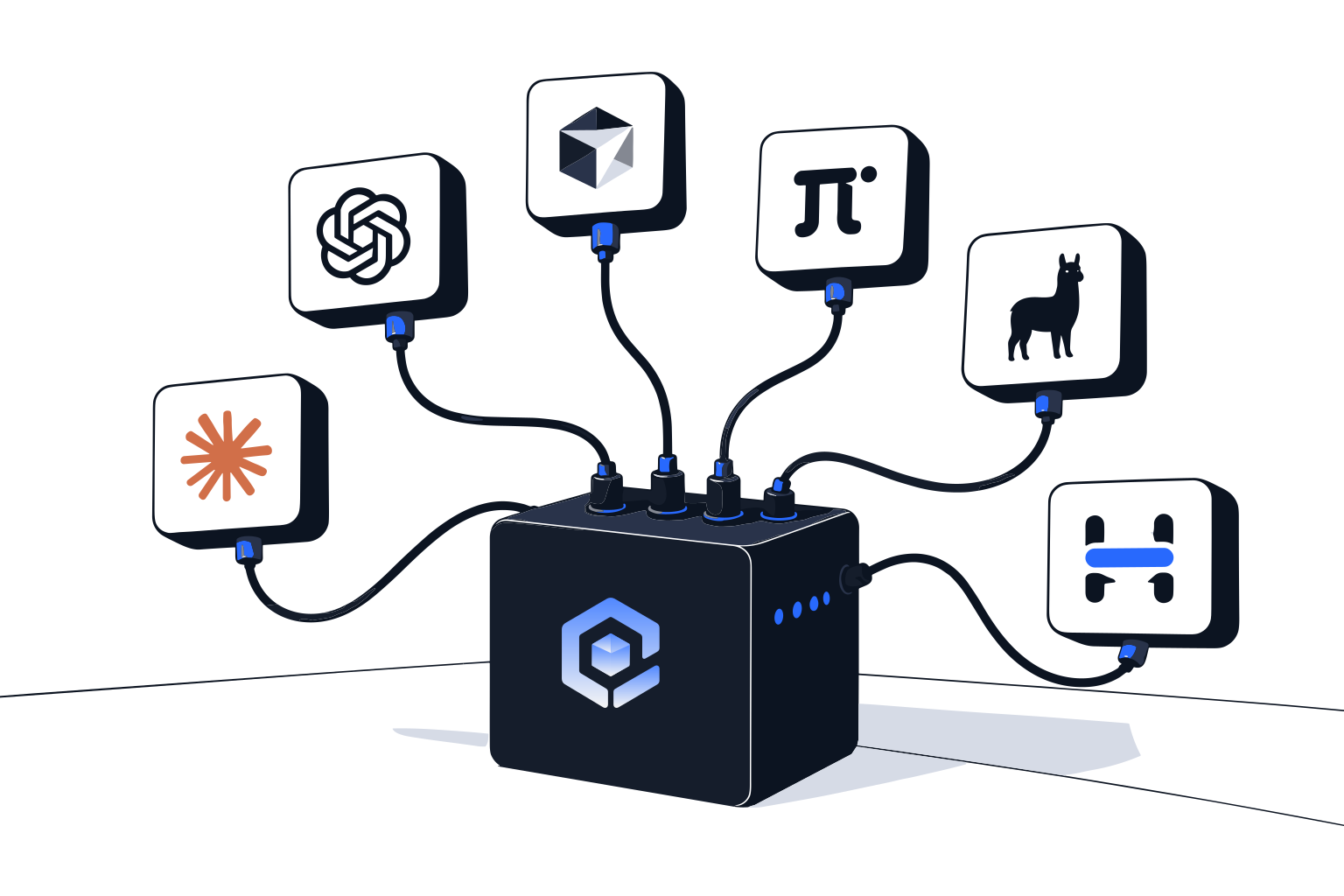
Paste one of these into Claude Code, Cursor, or whatever you build with. Both send the assistant to read the real documentation before it writes a line — every page here is also served as plain markdown, so an agent can fetch the current reference instead of guessing at endpoint names.

Introduce AppGram to your agent

What AppGram is, where every doc lives as markdown, and the rule to read before it writes.

I'm building on AppGram (https://appgram.dev). It is one platform for the
customer-facing surfaces around a product: feature requests and voting,
roadmaps, changelog and releases, help center, support tickets, surveys,
forms, waitlists, status pages, blog, automations and license keys — one
workspace, one REST API, and one SDK per platform.

Before you write any AppGram code, read the docs. Every page is served as
plain markdown, which is the form you should fetch:

https://appgram.dev/docs/format-md/docs/getting-started
https://appgram.dev/docs/format-md/docs/api-authentication
https://appgram.dev/docs/format-md/docs/react-sdk
https://appgram.dev/docs/format-md/docs/react-native-sdk
https://appgram.dev/docs/format-md/docs/flutter-sdk
https://appgram.dev/docs/format-md/docs/ios-sdk
https://appgram.dev/docs/format-md/docs/embed-sdk

The REST reference is one page per module, same pattern:

https://appgram.dev/docs/format-md/docs/api/wishes
https://appgram.dev/docs/format-md/docs/api/support
https://appgram.dev/docs/format-md/docs/api/help
https://appgram.dev/docs/format-md/docs/api/roadmaps
https://appgram.dev/docs/format-md/docs/api/surveys
https://appgram.dev/docs/format-md/docs/api/blog
https://appgram.dev/docs/format-md/docs/api/monitors
https://appgram.dev/docs/format-md/docs/api/forms
https://appgram.dev/docs/format-md/docs/api/waitlist
https://appgram.dev/docs/format-md/docs/api/license-keys

How to work on this project:

- Read the page for a surface before you use it. Do not guess endpoint paths,
  hook names or field names — if it is not in the docs, say so instead of
  inventing something that sounds right.
- REST lives at https://api.appgram.dev/v1 and authenticates with
  `Authorization: Bearer <api key>`. Keys are scoped per module, so a call
  fails when the key does not carry the scope.
- An API key is a server-side secret. Never put one in client code. The client
  SDKs authenticate with the public project ID instead.
- When you make a call, tell me which docs page you took it from.



Set up MCP and the REST API

Routes the agent to both channels — MCP for content from your editor, REST for runtime — with scopes and key handling.

Wire this project up to AppGram. There are two channels and they are for
different jobs.

1. MCP — for reading and writing AppGram content from this editor: surveys,
   automations, help articles, release notes, blog posts. AppGram's MCP server
   exposes the same backend the dashboard talks to, authenticated with an
   organization API key, and what that key's scopes reach is what you can
   reach. Get the server URL and the client config from the AppGram dashboard
   at https://app.appgram.dev under Settings → Developer, add it to this
   machine's MCP client config, then list the tools back to me so we can both
   see it connected.

2. REST — for what the application itself does at runtime.
   Base URL: https://api.appgram.dev/v1
   Header:   Authorization: Bearer <api key>
   Keys come from Settings → Developer → API Keys in the dashboard. Scopes are
   per module — wishes:read, wishes:write, roadmap:read, roadmap:write,
   support:*, helpcenter:* and so on. Ask for the narrowest set this project
   actually needs and tell me which ones you picked.

   Read https://appgram.dev/docs/format-md/docs/api-authentication first, then the page for
   each module you are going to call: https://appgram.dev/docs/format-md/docs/api/<module>,
   where <module> is one of wishes, support, help, roadmaps, surveys, blog,
   monitors, forms, waitlist, license-keys.

Put the key in the server environment, never in the client bundle — the client
SDKs use the public project ID for that. When you are done, report which
channel you wired, the scopes you asked for, and anything you could not finish.

Choose your platform

Official SDKs with full TypeScript support and identical primitives across every runtime.

Everything else